The check-out date does not occupy a night
A stay from October 22 to 25 occupies the nights of October 22, 23 and 24. October 25 is check-out. Compare apartments using those same nights.
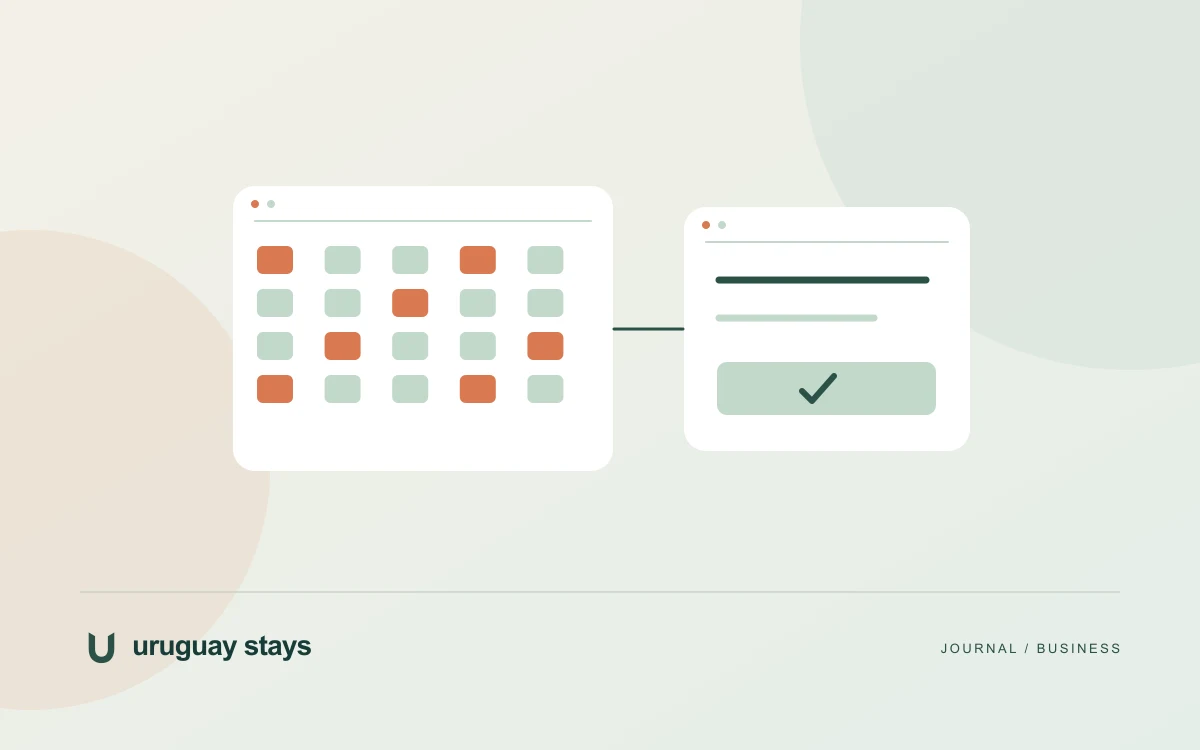
Enter dates in the top fields or choose two grid dates: check-in first, then check-out. The catalog and availability summary update with your selection.
What each calendar status means
Available means no block was recorded for that night in the latest valid Airbnb update. Occupied indicates a known block. Unverified means there is insufficient current information to show the night as available.
Available does not mean a confirmed booking. The calendar alone does not check prices, minimum stays or every booking rule. Confirm conditions for your selected apartment before booking.
Compare the entire stay across ten rows
View my dates focuses on your period; Show full month returns to the monthly view. For stays crossing a month boundary, the date view shows nights together.
Amenity filters narrow the catalog. The calendar retains all ten rows so you can compare availability even when an apartment does not match the selected features.
Check freshness and send your inquiry
The website shows the last update time and covers a 90-day horizon. If information is over 24 hours old, an update fails or dates are outside coverage, unblocked nights are not shown as verified availability. Known blocks are retained.
Calendars update automatically twice a day, at 08:00 and 20:00 Uruguay time. Check the last update: availability is not real time. Select apartments and inquire to confirm your stay.
Frequently asked questions
Does an available calendar confirm that I can book?
No. Available means no recorded block in the latest valid update. Availability and booking conditions must be confirmed when your inquiry is answered.
Why does a date appear unverified?
It may fall outside coverage, have an outdated update or belong to a calendar that could not be refreshed. Unverified does not confirm that a night is available.